Start with words
Describe the screen, product, or interface you want to explore.
AI & design tools
Part of the AppX Tech Group portfolio
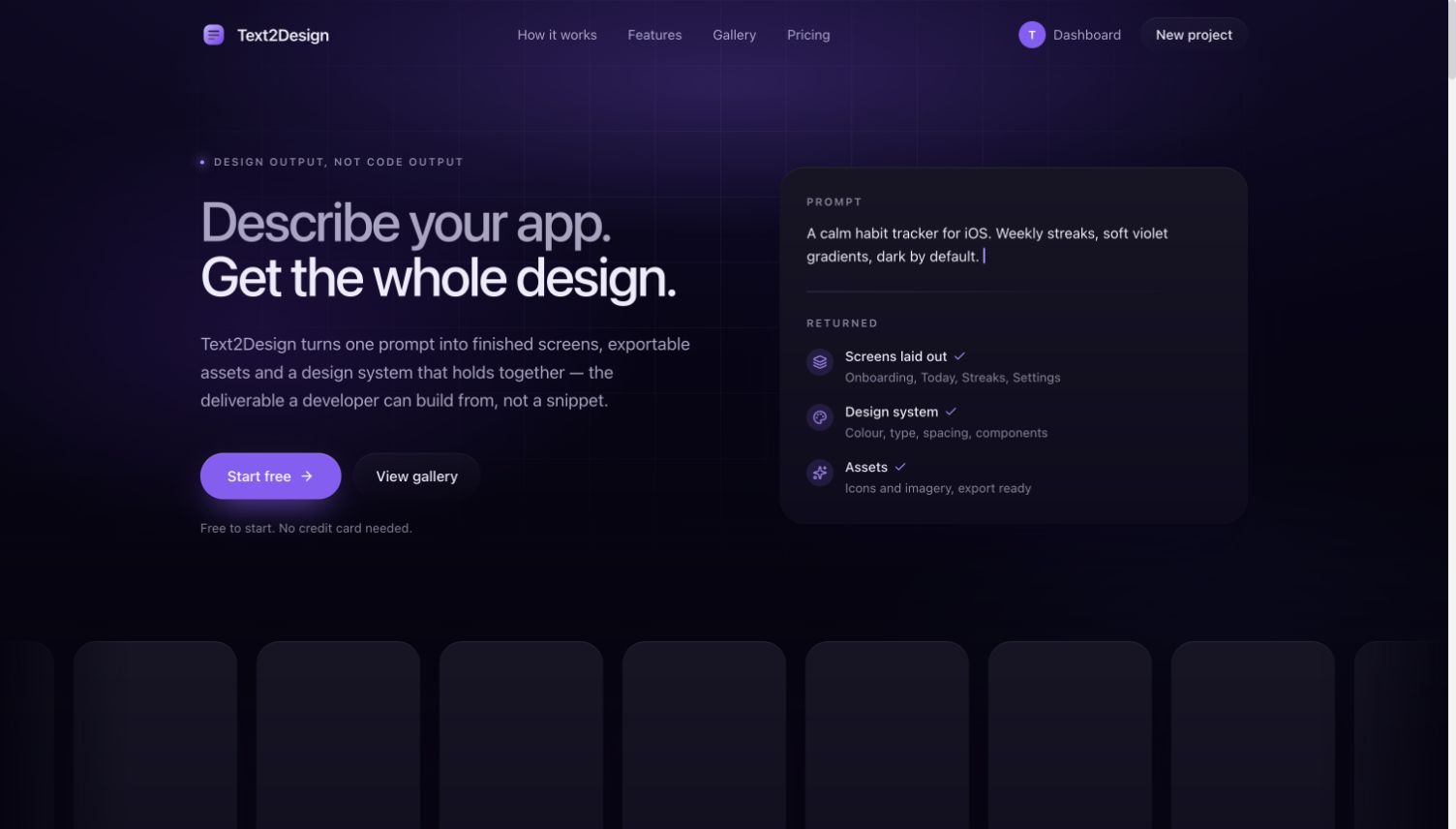
Public product website, captured October 2026.
Text2Design turns plain-language descriptions into interface designs. It helps move an idea from a written brief to a visual starting point that can be refined.
A blank canvas can slow down early exploration. Designers and product builders need a way to make ideas visible before committing to every interface detail.
Describe the interface you have in mind, explore the generated design, and continue refining the direction. A Figma import workflow supports taking exported designs into an editable design environment.
Describe the screen, product, or interface you want to explore.
Use AI-generated UI as a concrete starting point for design decisions.
Bring supported exported designs into Figma with the companion import plugin.
Product focus: text-to-interface exploration and a manual export-to-Figma workflow that produces editable design objects.
A generated interface is easier to evaluate when it can become working design material. The Text2Design workflow starts with a written brief, produces a visual direction, and lets the designer continue in Figma. The handoff matters because product decisions rarely end at the first generated screen.
In the web product, open Export, select Figma, and copy the design JSON. In the text2design → Figma plugin, paste that export and select Import. The manual route takes the exported document directly into the plugin. After importing, inspect the layers and the import summary before continuing your design work.
The importer creates native Figma frames, auto-layout, text, images, and supported icons. Designers can inspect the resulting layers and continue editing the composition. The benefit is a handoff into a familiar design tool rather than a promise that a generated screen is already a finished design system.
Missing fonts, unavailable images, and unsupported nodes are treated as recoverable import problems. The importer uses fallbacks where supported and reports issues in its summary. That makes the remaining page available for review and correction. It does not guarantee perfect reproduction of every export or remove the need for a designer to inspect the result.
A product to launch. A workflow to fix.
Tell us what you have in mind.
Prefer email? ilyos@appxgroup.uz. Tell us about your project and we’ll follow up with the next steps.
Your enquiry has been sent. We’ll reply to the email address you provided.